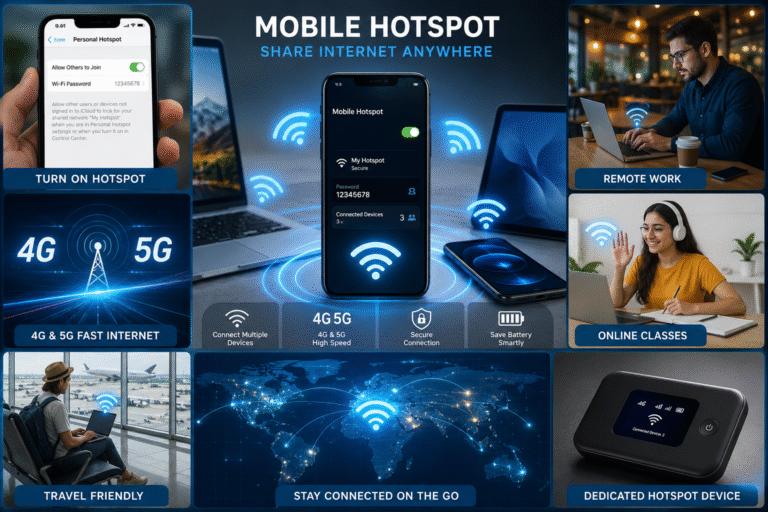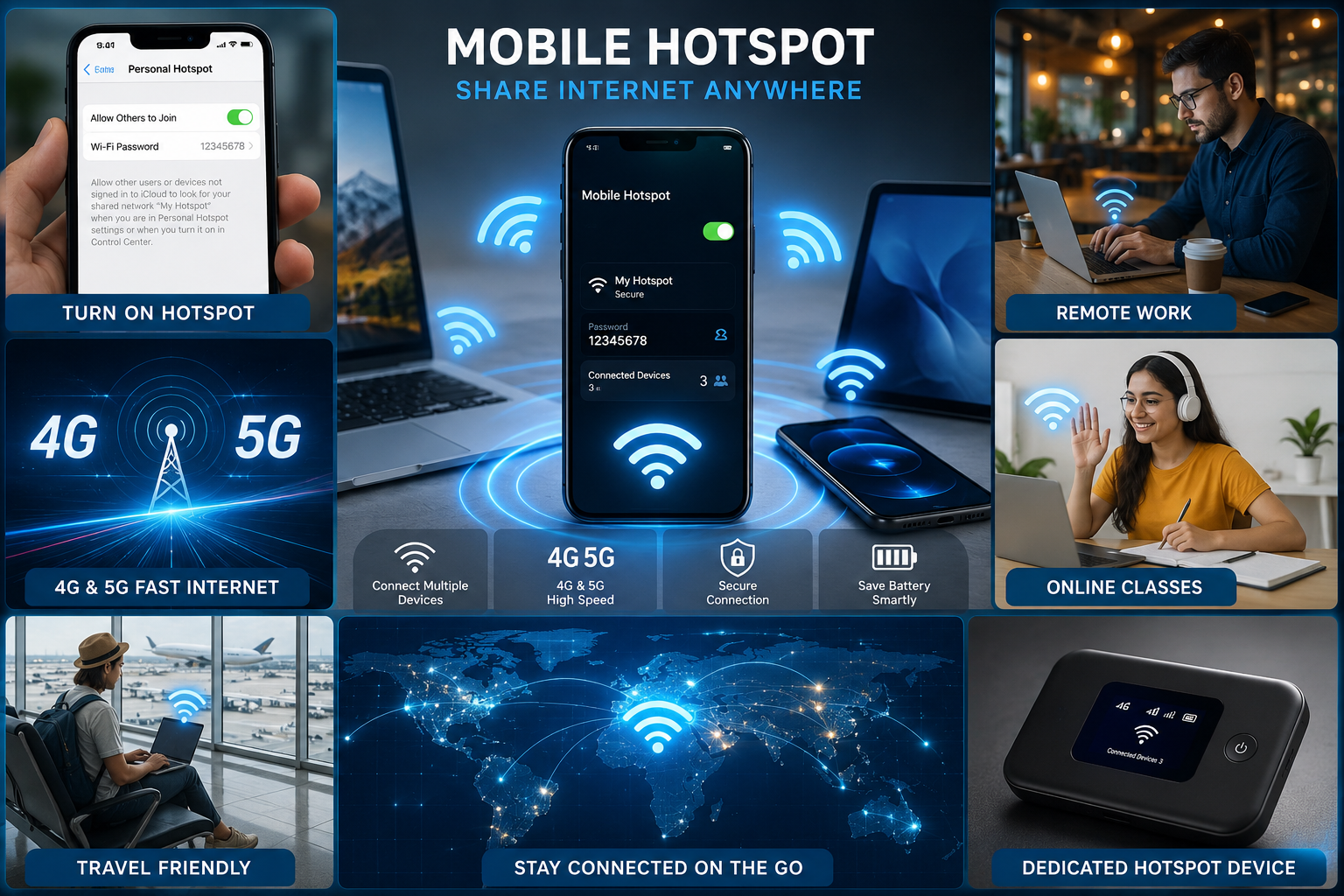
what is use hostport
In today’s connected world, a mobile hotspot is one of the most useful features available on smartphones and portable internet devices. Whether you’re working remotely, attending online classes, traveling, or simply need internet access for your laptop, a mobile hotspot can provide a reliable connection using your cellular data network.
What is a Mobile Hotspot?
A mobile hotspot is a feature or device that allows you to share your mobile data connection with other devices through a Wi-Fi network. It essentially turns your smartphone or dedicated hotspot device into a portable wireless router.
Using a mobile hotspot, devices such as laptops, tablets, smart TVs, and other smartphones can connect to the internet without needing a traditional Wi-Fi connection.
Types of Mobile Hotspots
1. Smartphone Mobile Hotspot
Most Android and iPhone devices include a built-in hotspot feature. Once enabled, your phone creates a secure Wi-Fi network that nearby devices can join.
Benefits:
- Easy to set up
- No additional hardware required
- Convenient for occasional internet sharing
- Supports multiple connected devices
2. Dedicated Mobile Hotspot Device
A dedicated hotspot device, often called a MiFi, is specifically designed to provide portable internet access. These devices contain a SIM card and cellular modem that create a Wi-Fi network.
Benefits:
- Better battery life
- Supports more connected devices
- Stronger signal reception
- Ideal for business and travel use
How Does a Mobile Hotspot Work?
A mobile hotspot uses your smartphone’s 4G LTE or 5G cellular connection to access the internet. It then broadcasts that connection as a Wi-Fi network.
The process works like this:
- Your phone connects to the cellular network.
- The hotspot feature creates a Wi-Fi network.
- Other devices connect to that network.
- Internet data is shared through your mobile connection.
This allows multiple devices to browse websites, stream videos, send emails, and perform online tasks using your mobile data plan.
How to Enable Mobile Hotspot on Android
Follow these simple steps:
- Open Settings
- Tap Network & Internet
- Select Hotspot & Tethering
- Tap Wi-Fi Hotspot
- Turn on the hotspot
- Set a network name and password
Your Android phone will now act as a wireless router.
How to Enable Mobile Hotspot on iPhone
To turn on a hotspot on an iPhone:
- Open Settings
- Tap Personal Hotspot
- Enable Allow Others to Join
- Create or verify your Wi-Fi password
Other devices can now connect using the displayed network information.
Advantages of Using a Mobile Hotspot
Internet Anywhere
A mobile hotspot allows internet access wherever cellular coverage is available.
Ideal for Remote Work
Professionals can stay connected during travel or power outages.
Secure Connection
Unlike public Wi-Fi networks, personal hotspots offer greater privacy and security.
Quick Setup
No technical expertise is required to start sharing internet.
Disadvantages of Mobile Hotspots
Data Consumption
Streaming videos, downloading files, and online gaming can quickly consume mobile data.
Battery Drain
Using a hotspot continuously can reduce smartphone battery life significantly.
Speed Limitations
Internet speed depends on network coverage, signal strength, and carrier policies.
Carrier Restrictions
Some mobile carriers limit hotspot usage or offer separate hotspot data allowances.
Mobile Hotspot vs Traditional Wi-Fi
| Feature | Mobile Hotspot | Traditional Wi-Fi |
|---|---|---|
| Internet Source | Cellular Network | Broadband/Fiber |
| Portability | High | Low |
| Setup Time | Minutes | Requires Installation |
| Speed | Variable | Usually Faster |
| Data Limits | Often Limited | Usually Higher |
Tips for Better Mobile Hotspot Performance
- Use 5G whenever available.
- Keep your device charged.
- Set a strong password.
- Limit the number of connected devices.
- Monitor data usage regularly.
- Place the hotspot in an area with strong network coverage.
Best Uses of Mobile Hotspots
A mobile hotspot is especially useful for:
- Remote work and freelancing
- Online meetings and video calls
- Business travel
- Emergency internet backup
- Students attending online classes
- Digital nomads and content creators